
Home Page TDK Settings Help
📅 June 20, 2022
👁️ 694
The home page TDK settings can set the content of the three tags (title, keywords, description) of the website's home page.
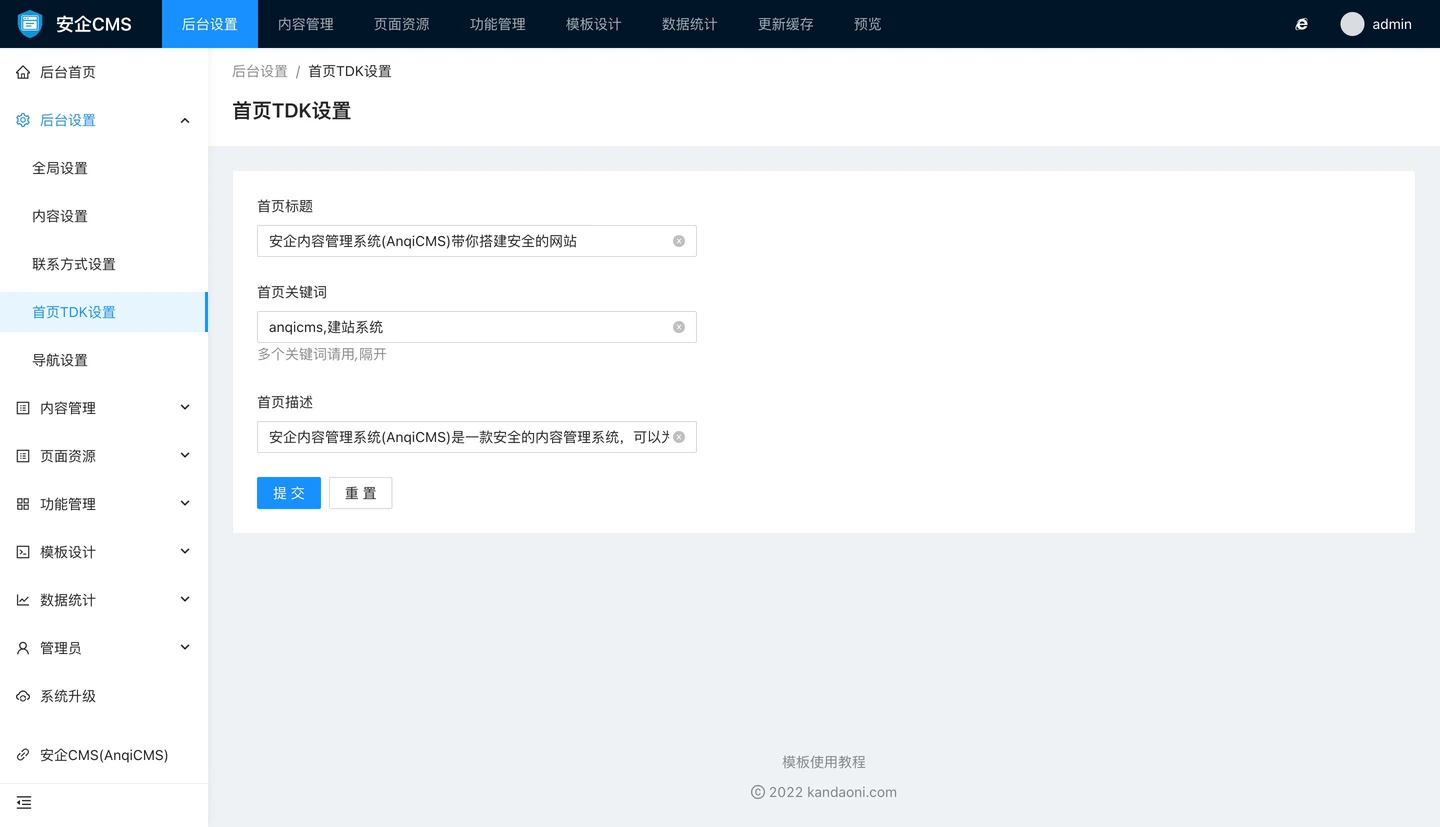
Can be set in the home page TDK setting:
- Home page title The home page title will be displayed in the <title></title> tag, bringing better experience to the home page optimization.
- Home page keywords The home page keywords will be displayed in the <meta name="keywords" content=""> tag, used to set the core keywords that need to be optimized for the entire site. Properly setting keywords can help the website have better inclusion effects.
- Home description The home description will be displayed in the <meta name=‘description’ content=“”> tag and is also a setting item for website optimization. Please set it reasonably according to your own website needs.