
Verify file upload
📅 November 21, 2026
👁️ 0
Verify file upload
File upload verification is used to upload domain ownership verification files, which are provided for search engines or third-party platforms to verify site ownership.
Entry Path
Back-end top menu → 'Function' → 'System Function' → 'File Upload Verification'. Actual address:/system/plugin/system/fileuploadrequires administrative privileges(canAdmin)
Function description
The page lists uploaded verification files (file name, upload time), supports uploading new files and deleting.
Screenshot of the interface
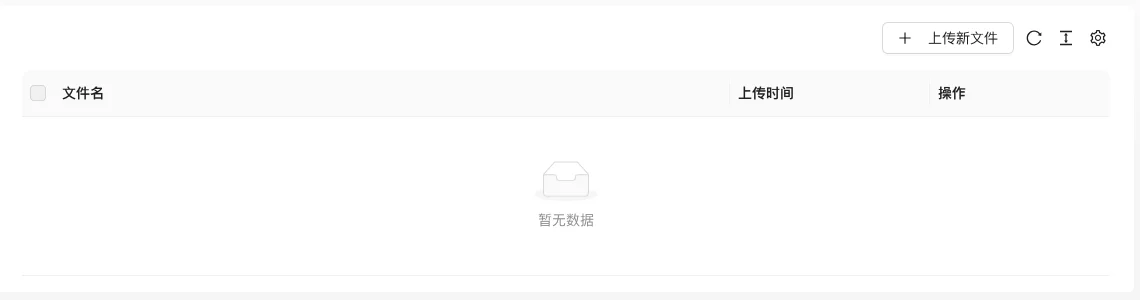
The screenshot is from the demonstration environment, the table may be in an empty data state; the position of the fields and the operation entry should be based on the current backend interface.
Setting item description
| Setting items | function | Value / Default | How to select / Fill in suggestions | Impact / Note |
|---|---|---|---|---|
| Filename | Verification file name | Text, No Default [Source Code] | Must be consistent with the requirements of the search engine/platform | Files or content that do not match will cause the verification to fail |
| Upload time | Upload date | Read-only | — | — |
| Operation | Delete | — | Keep the file after verification is passed, do not delete | Platform review may fail after deletion |
Operation steps
- Download verification files from search engines or third-party platforms.
- Enter 'Function → System Function → File Upload Verification'.
- Click the 'Upload new file' to select the file upload.
- Click the verification on the corresponding platform to confirm that the file is accessible.
Applicable scenarios and suggestions
- Common file verification methods such as Google Search Console, Baidu Search Resource Platform, etc.
- Do not delete the file after the verification is passed, as the platform may review it regularly.
Points to note
- The file name and content must be consistent with the platform requirements, otherwise the verification will fail.
- After the site is enabled for staticization, you need to confirm that the verified file can be accessed normally.