
Content material management
📅 November 21, 2026
👁️ 0
Content material management
Content material management is used to maintain reusable text snippets and classify them by section, making it convenient to insert them during writing.
Entry Path
Top menu of the background → Function → Content Production → Content Material Management. Actual address:/system/plugin/contentops/materialrequires administrative privileges(canAdmin)
Function description
The page supports adding materials, managing blocks, and lists display material content, block name, and reference count.
Screenshot of the interface
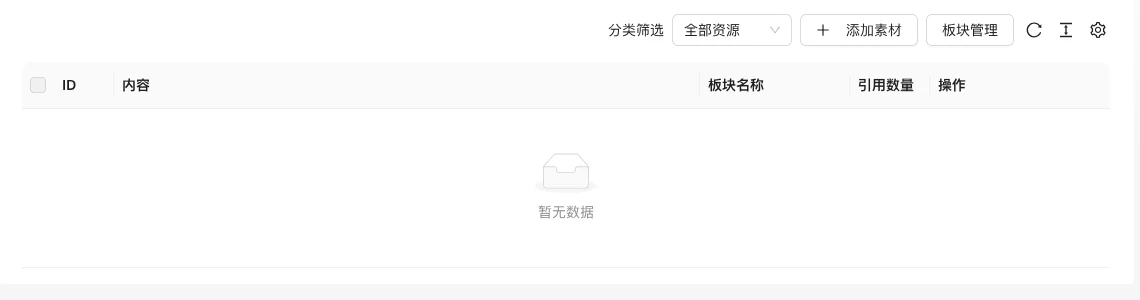
The screenshot is from the demonstration environment, the table may be in an empty data state; the position of the fields and the operation entry should be based on the current backend interface.
Setting item description
| Setting items | function | Value / Default | How to select / Fill in suggestions | Impact / Note |
|---|---|---|---|---|
| ID | Material Number | — | Generated by system or fill according to platform requirements | ID changes will affect related data |
| content | Material Text | — | Brief description, avoid being vague | Whether to display is determined by the template |
| Block Name | Material Group | — | Fill in a name that is easy to identify and consistent with the display on the front end | Name changes will affect display and calling, pay attention to synchronization |
| Reference Count | How many contents are referenced | — | Brief description, avoid being vague | Whether to display is determined by the template |
| Operation | Modify, delete, etc. | — | Click the corresponding operation as needed | Some operations are irreversible, please confirm before execution |
Operation steps
- Enter「Function → Content Production → Content Material Management」.
- Click「Category Management」to create categories.
- Click「Add Material」to fill in the content and category.
- Insert the corresponding material in the editor when writing.
Applicable scenarios and suggestions
- Create fixed copy such as company profile, product parameters, and disclaimers into materials to avoid duplicate input.
- Divide the category names by purpose, such as「Beginning」「End」「Product Parameters」.
Points to note
- Deleting materials still in use may affect the display of published content, so check the number of references first.
- It is recommended to check the content of the materials regularly to avoid repeated use of outdated information.