
Product Overview
📅 November 21, 2026
👁️ 0
Product Overview
The product overview page displays the browsing and sales performance of products.
Entry Path
Top menu in the back end → 'Data' → 'Product Overview'. Actual address:/system/statistic/productsrequires administrative privileges(canAdmin)
Function description
The page displays product-related statistics in the form of reports, and specific charts and indicators are as shown on the actual page.
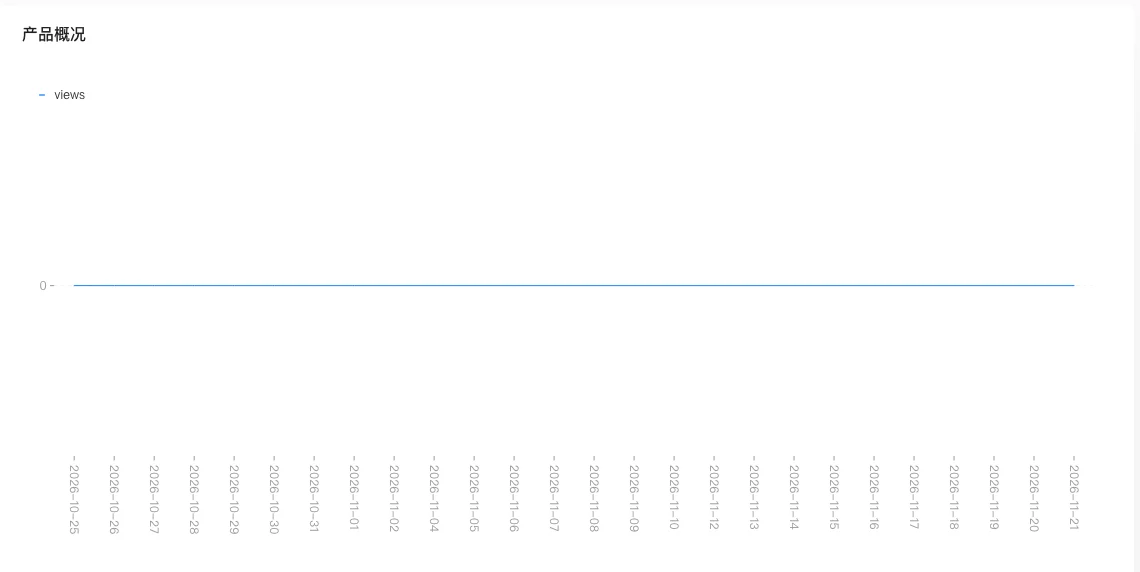
Screenshot of the interface
Index口径
| Indicator | Calculation口径 | Data source | Time range | Delay / Note |
|---|---|---|---|---|
| Product page views/sales performance | Product detail page visit times and transaction status | Statistics aggregation table + order records | Determined by the default range of the report | — |
Source of口径: Backend
controller/manageController/statistics.goofGetStatisticProduct(Approximately line 269), obtain data from the statistics aggregation table based on the site and the time range of entry.
Operation steps
- Enter 'Data → Product Overview'.
- View product performance data.
- For products with good performance, combine them with promotional activities to increase promotion.
Applicable scenarios and suggestions
- Products with high views but low transactions, focus on checking price, details and inventory.
- Regularly remove products that have been inactive with no views or transactions for a long time.
Points to note
- Data depends on access logs, new products may not be counted.
- The specific charts displayed are based on the actual content of the page.