
Conversion Rate
📅 November 21, 2026
👁️ 0
Conversion Rate
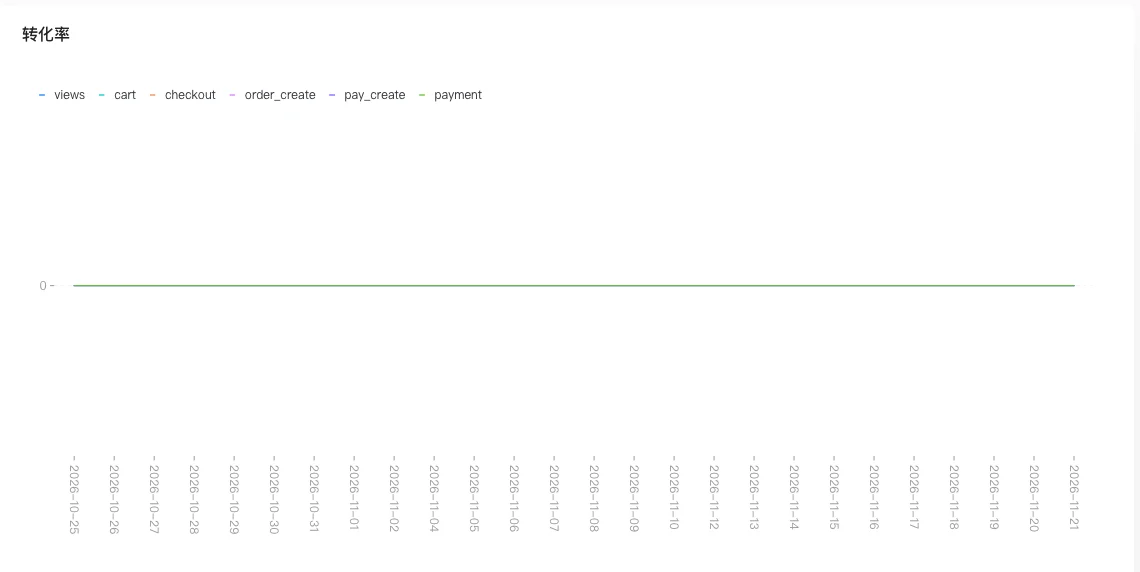
The conversion rate page shows the conversion situation from browsing to purchase in the mall.
Entry Path
Top menu of the background → 'Data' → 'Conversion Rate'. Actual address:/system/statistic/conversionrequires administrative privileges(canAdmin)
Function description
The page displays relevant conversion data in the form of a report, and the specific charts and indicators are based on the actual display on the page.
Screenshot of the interface
Index口径
| Indicator | Calculation口径 | Data source | Time range | Delay / Note |
|---|---|---|---|---|
| Conversion Rate Funnel | Statistics on 'Click → Add to Cart → Checkout → Confirmation → Payment' daily. | Statistical aggregation table (StatisticLog summarized daily), not individual event logs | Last 30 days (start_time/end_time can be specified) | Daily statistics |
| Default time range | start_time is empty, take 30 days before 00:00:00, end_time is empty, take the current 23:59:59 | — | — | — |
Source of口径: Backend
controller/manageController/statistics.goofGetStatisticConversion(About line 329), get data from the statistical aggregation table according to the site and the input time range。”“key
Operation steps
- Enter「Data → Conversion Rate」。”“key
- View the current conversion data。”“key
- Combine traffic analysis with order statistics for comparative analysis。”“key
Applicable scenarios and suggestions
- When the conversion rate is low, check the completeness of the product page information, price, and order process。”“key
- Cooperate with promotional activities to observe the changes in conversion during the promotion period。”“key
Points to note
- Statistics depend on access logs, and data fluctuations will be very large when the site access volume is low.
- The specific charts displayed are based on the actual content of the page.