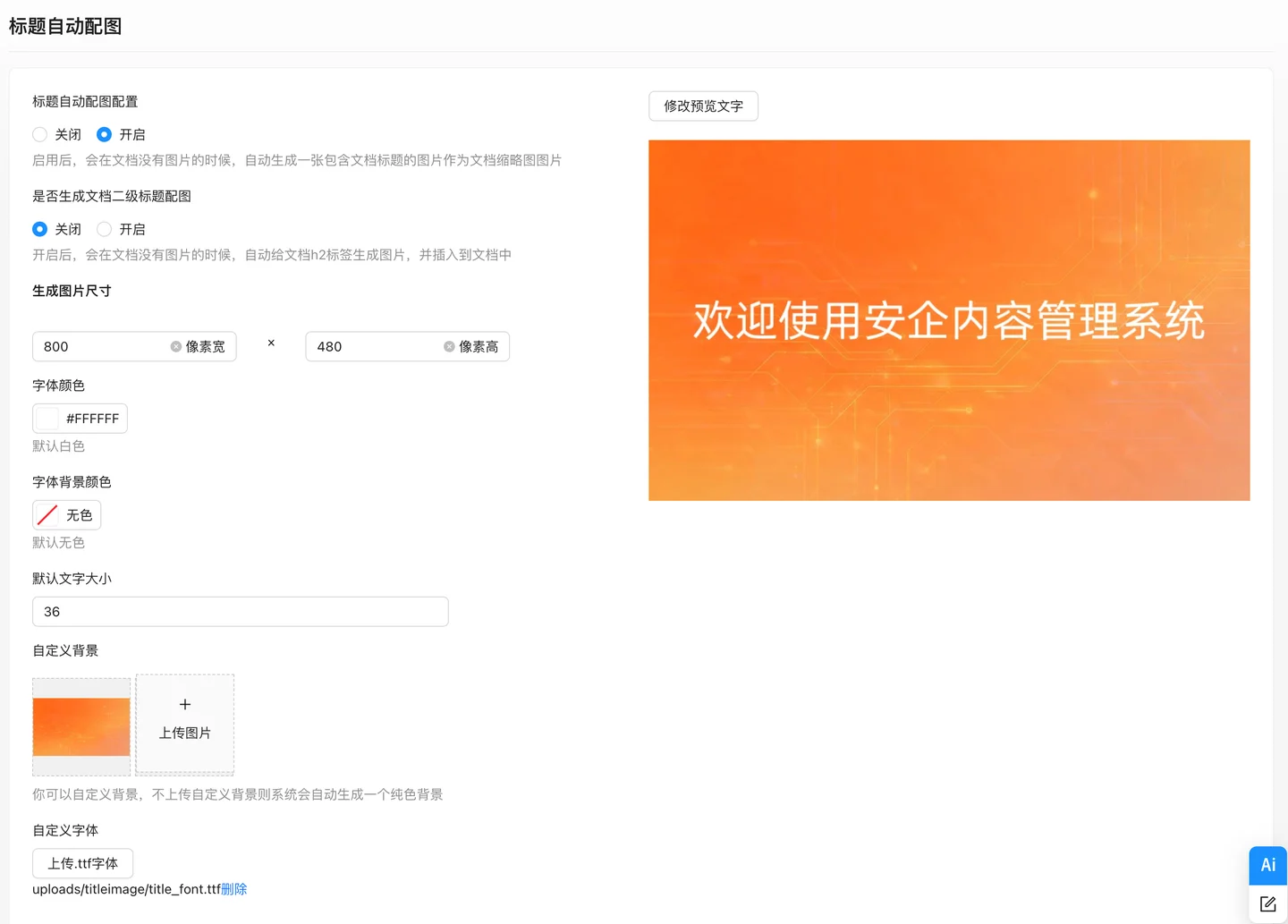
An automatic title image for documents is a website SEO optimization feature for search engines that can automatically generate related images based on the document title.It can be used for website SEO optimization, making the article content vivid and illustrative.In addition, it automatically inserts illustrations for document content without images, while documents with images will not be illustrated.
An automatic title image for documents is a website SEO optimization feature for search engines that can automatically generate related images based on the document title.It can be used for website SEO optimization, making the article content vivid and illustrative.In addition, it automatically inserts illustrations for document content without images, while documents with images will not be illustrated.
The AnQi CMS supports automatically generating a picture containing the article title when an article is published without an image, which is used as the article image. This picture can make the article more illustrative, which is beneficial for improving the weight of the article in search engines.
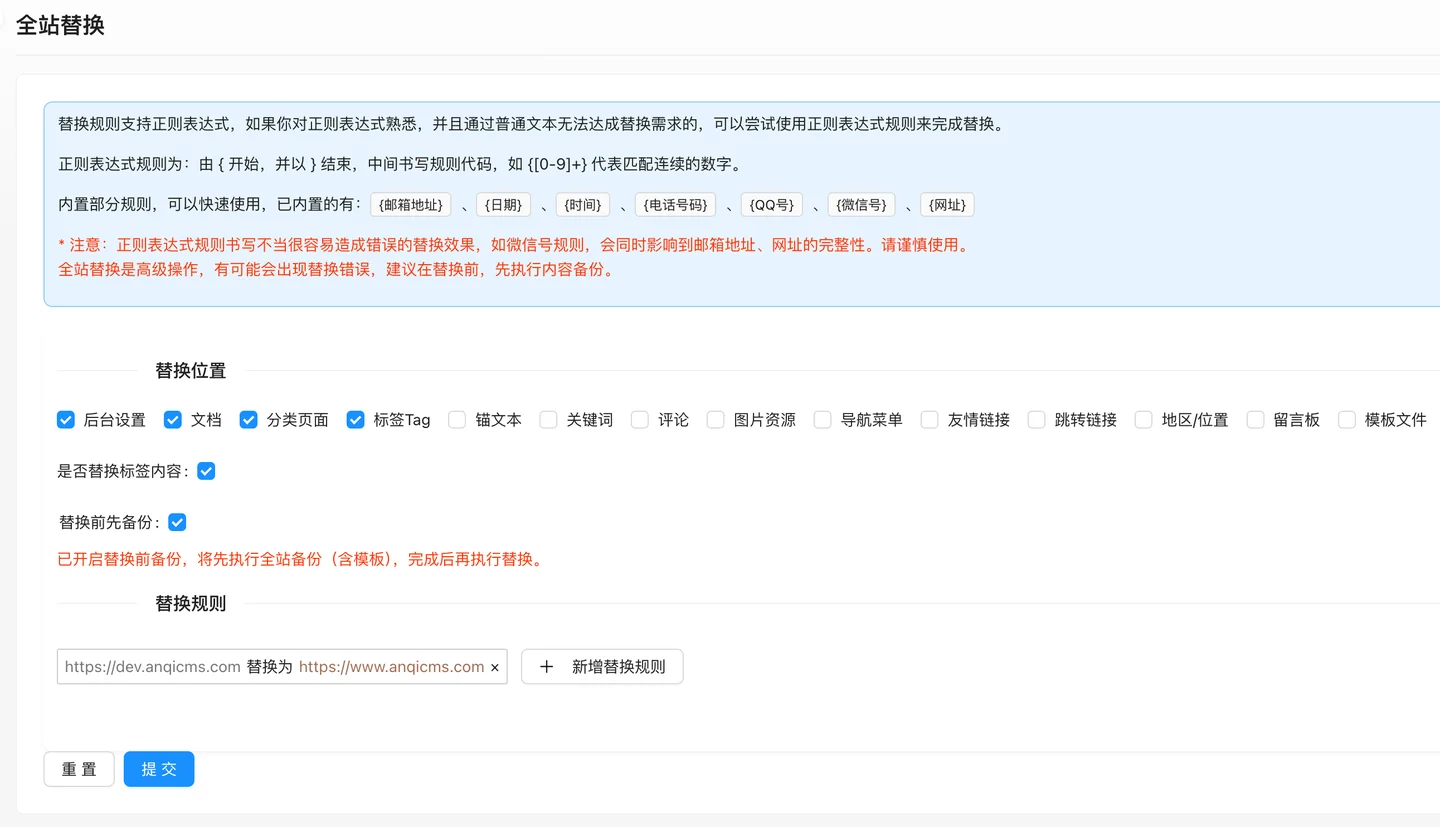
AnQi CMS provides a full-site replacement function. It can replace background settings, documents, category pages, tags Tag, anchor text, keywords, comments, image resources, etc. with one click.Global replacement supports replacement of plain text as well as regular expression replacement.If you are familiar with regular expressions and cannot meet the replacement needs through ordinary text, you can try to use regular expression rules to complete the replacement.
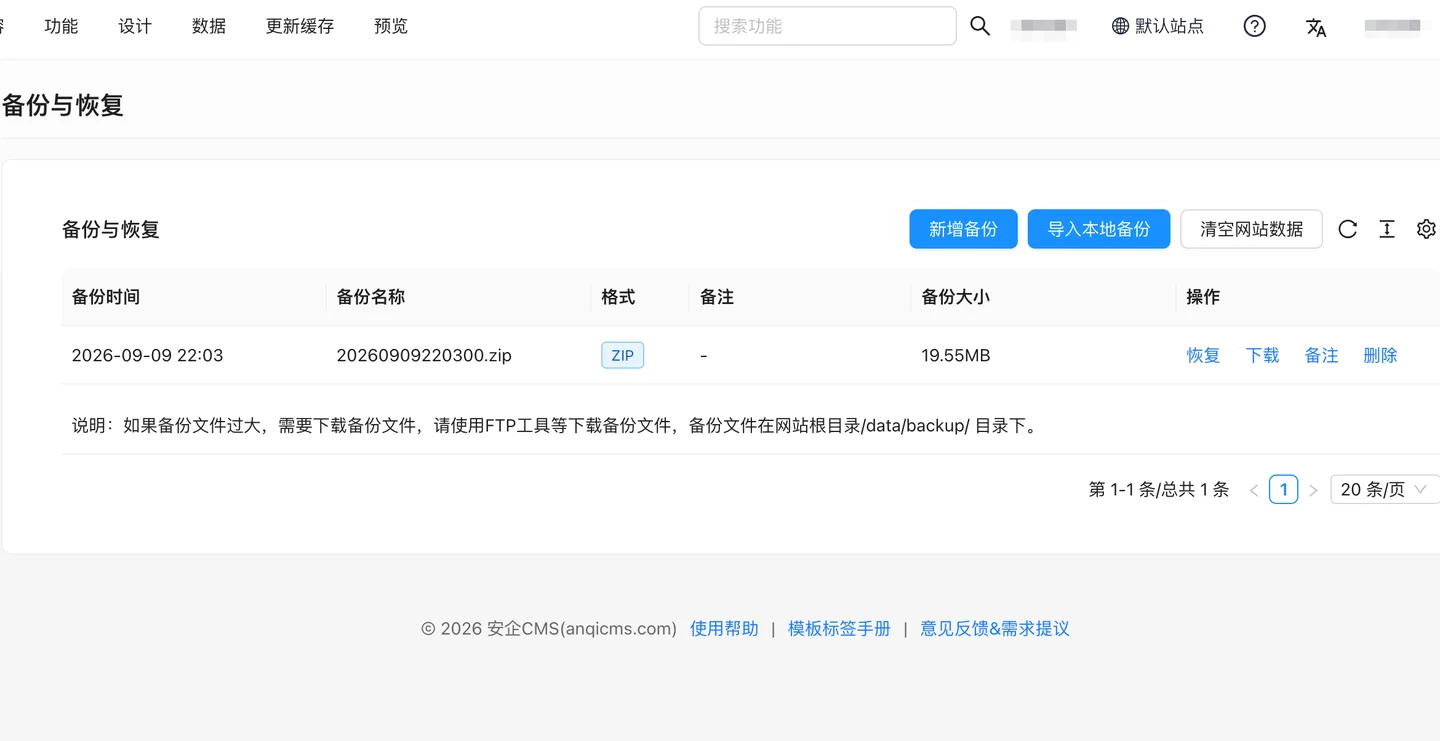
The Anqi CMS supports backing up and restoring database data from the backend, as well as downloading backups to local, and restoring data from local backup files, etc.Your data is invaluable, backup it promptly in case of emergencies.
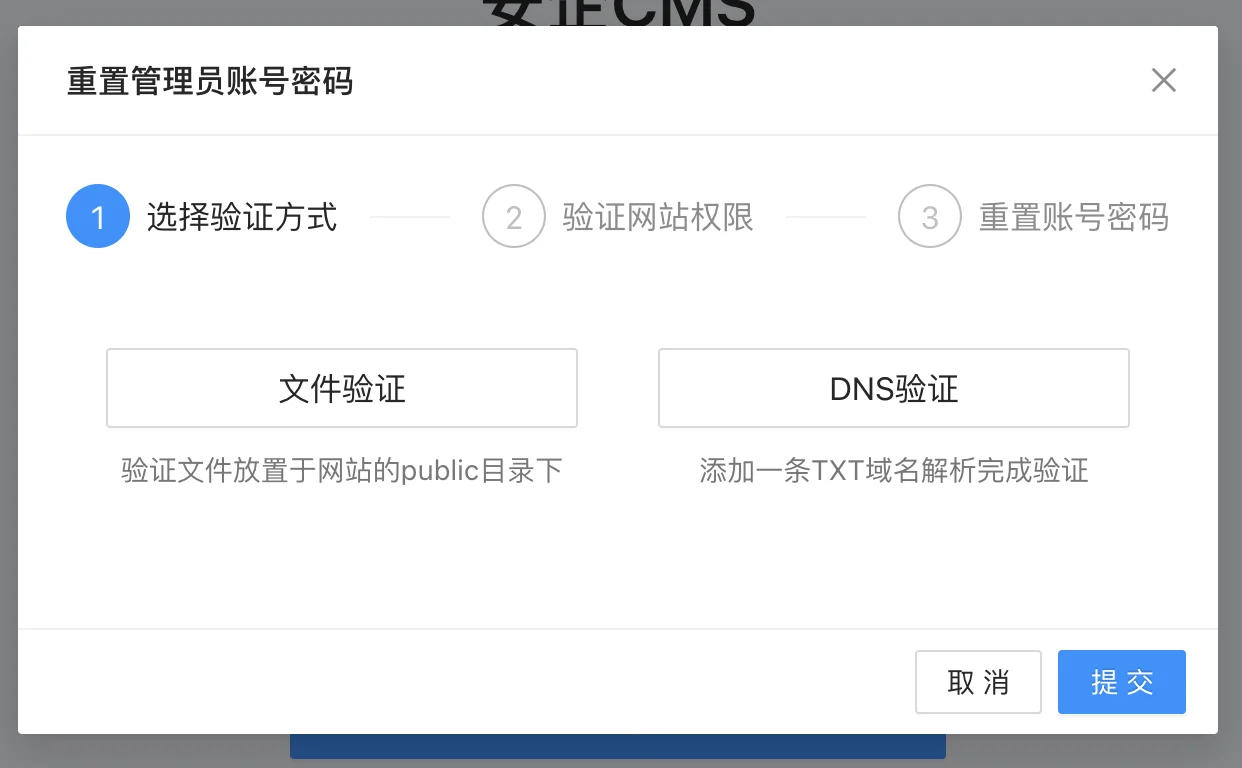
When using the Anqi CMS backend, you may occasionally encounter the embarrassing situation of forgetting your password.But rest assured, Anqi CMS provides a convenient password reset feature, simply follow the steps below to reset the backend administrator password.1. Reset password by clicking the [Forgot Password] button First, find the [Forgot Password] button on the login page of the background, and click to enter the password reset process.Please note that before resetting your password, you need to verify ownership of the website.Only users who own the website can successfully reset the back-end administrator password.2. Website Ownership Verification Method
